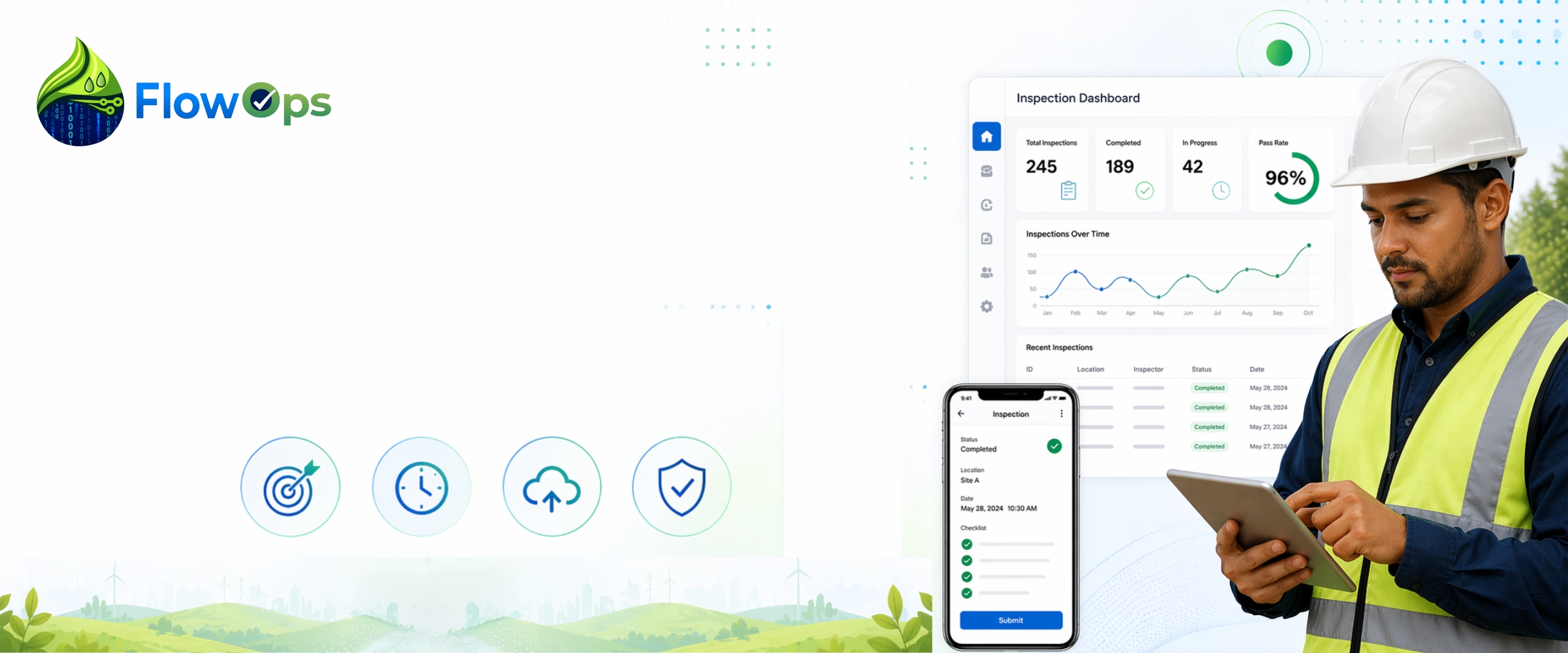
How Field Inspection Software Improves Accuracy in the Field
Field inspections are a vital part of daily operations for irrigation and landscaping businesses. They help crews evaluate system performance, identify maintenance needs, document completed work, and maintain service quality across multiple properties.
The inspection process itself is already handled effectively by trained technicians who understand site conditions, service requirements, and repair needs. The primary challenge for many businesses is not the field work itself, but how information from these visits is transferred from the field into reports, customer updates, invoices, and office systems.
In many cases, this handoff between field and office introduces delays, incomplete records, duplicate data entry, and communication gaps.
Choosing to implement field inspection software can improve this disjointed process. It formalizes how inspection data is captured, structured, and shared so information moves quickly and accurately from the field into business operations without re-entry or loss of detail.
Why Accurate Inspection Data Matters
For irrigation and landscaping operations, accurate reporting supports both daily service execution and long-term customer satisfaction.
Clear inspection data helps businesses with:
- Faster customer communication
- Better scheduling for repairs and follow-up work
- Accurate billing support
- Stronger documentation of completed service
- Clearer tracking of property history
- Better visibility for managers
- Improved accountability across crews
When inspection details are jotted down on paper or noted across disconnected systems, some information may not always carry forward into office workflows in time for reporting, billing, or scheduling.
Field inspection software helps close this gap by turning field inspection reports into structured, usable operational data.
1. Standardized Digital Forms Improve Reporting Consistency
Irrigation and landscaping companies often manage multiple crews, service types, and property locations. Without a standardized reporting process, inspection records can vary depending on how information is documented during each visit.
This variation can make it harder for office teams to review reports, track service history, or compare recurring issues.
With digital inspection software, every technician follows a consistent workflow using structured forms aligned with company processes.
This helps create:
- Consistent wet check reports
- Uniform service documentation
- Required fields for key details
- Easier internal review
- Reliable historical records for each property
Consistency improves both reporting accuracy and operational efficiency.
2. Real-Time Data Entry Helps Preserve Field Details
Inspection visits often involve multiple observations and service actions across different zones of a property. When information is recorded later, it may not always fully reflect every detail captured during the visit.
Mobile inspection software allows technicians to document service activity in real time, directly at the job site.
This ensures important details are captured as part of the inspection record, such as:
- Irrigation zone performance issues
- Broken sprinkler heads or leaks
- Controller adjustments
- Landscape conditions
- Repair notes
- Materials used
- Service timestamps
Capturing information during the visit helps ensure accurate and complete inspection records for office use.
3. Photo Documentation Strengthens Service Records
Many irrigation and landscaping conditions are best understood visually. Photos help provide context that written descriptions alone may not fully capture.
Inspection photos can document:
- Dry spots or overwatering
- Broken irrigation components
- Drainage concerns
- Plant health issues
- Before-and-after repairs
- Completed improvements
With field inspection software, images are attached directly to the service record, creating clearer documentation for both internal teams and customers.
4. Automated Reports Reduce Manual Processing
In many service operations, inspection details collected in the field must be manually organized into reports, billing records, or customer updates once they reach the office.
This additional processing step can slow workflows and increase the likelihood of transcription errors or missing details during conversion.
With inspection report software, field data is structured automatically into ready-to-use reports.
Benefits include:
- Faster report turnaround
- Reduced duplicate data entry
- Cleaner documentation
- Improved billing support
- Lower administrative workload
This allows office teams to focus more on coordination and customer service rather than re-entering field data.
5. Centralized Property Records Improve Ongoing Service
For recurring clients, having access to complete service history is extremely valuable.
A centralized field operations system helps teams maintain:
- Previous wet checks
- Repair history
- Seasonal adjustments
- Site-specific observations
- Customer requests
- Long-term service records
When all inspection data is stored in one place, future visits become more informed and easier to manage.
6. Real-Time Visibility Supports Better Management
Managing multiple crews and service locations requires clear visibility into ongoing operations.
Modern field inspection software provides dashboards that help managers track:
- Completed inspections
- Open repair needs
- Jobs in progress
- Technician activity
- Route completion status
- Service trends across properties
This visibility helps improve scheduling, coordination, and response time without disrupting field operations.
Why FlowOps Is a Better Fit
FlowOps is designed for irrigation and landscaping businesses that rely on recurring inspections, wet checks, repair documentation, and structured reporting.
Rather than adapting general-purpose tools, FlowOps focuses specifically on the workflow between field and office.
FlowOps helps teams by providing:
- Mobile-first inspection forms built for field use
- Structured workflows for wet checks and repairs
- Automated report generation from field data
- Photo documentation linked to each visit
- Centralized property and service records
- Improved visibility across teams
- Seamless flow of information between field and office
FlowOps supports the work already being done in the field by ensuring that information is captured once and carried forward accurately into business operations.
Final Thoughts
Irrigation and landscaping teams already perform inspections and service work effectively in the field. For many businesses, the greater challenge lies in ensuring that information from those visits is transferred into office systems quickly, clearly, and accurately.
Field inspection software helps solve this challenge by improving how data is captured, structured, and shared.
By strengthening the connection between field activity and office operations, businesses can improve reporting accuracy, reduce manual work, and maintain better control over service delivery.
FlowOps helps turn completed field work into reliable operational data, making it easier to manage crews, serve customers, and scale operations efficiently.
FAQs
What is field inspection software?
Field inspection software is a digital tool that allows businesses to capture inspection data, photos, and service updates directly in the field and structure them for use in office systems.
How does field inspection software improve accuracy?
It improves accuracy by standardizing data entry, enabling real-time capture, attaching photos to records, and reducing manual re-entry between field and office teams.
Why do irrigation and landscaping companies use field inspection software?
Companies use field inspection software to improve reporting consistency, streamline communication, maintain service history, and reduce manual administrative work across recurring site visits.
Can field inspection software replace paper forms?
Yes. Digital inspection tools replace paper forms with mobile workflows that allow faster data capture, easier storage, and more reliable reporting.