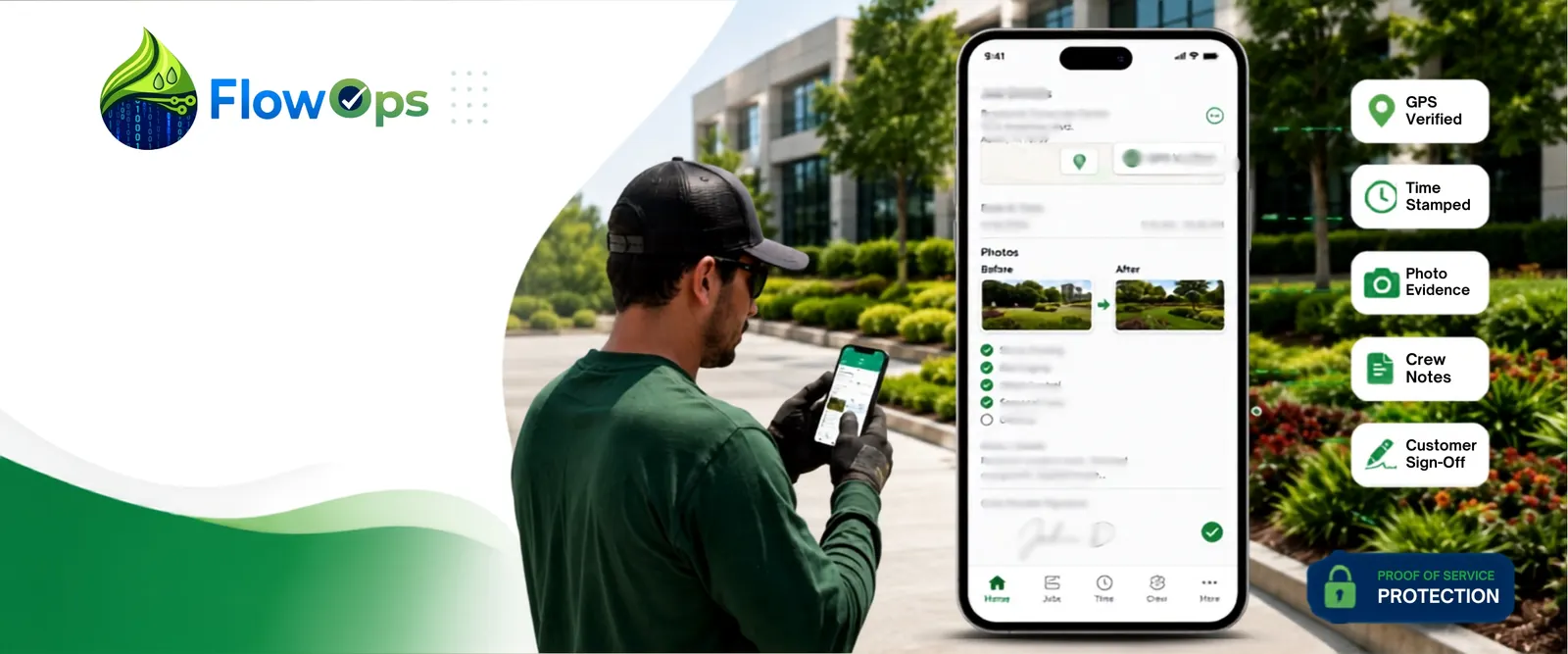
A landscape company in the Midwest completed a full irrigation inspection for a commercial property in late spring. The crew ran every zone, flagged a few heads for adjustment, and photographed one area with standing water. The record they submitted was a text message thread and three photos stored on a personal phone.
Two months later, the property manager filed a damage claim, alleging that improper irrigation during the inspection caused root saturation in a planted bed. The company had no timestamped zone records, no documented run times, no structured photo log tied to a specific zone, and no signed acknowledgment from anyone on-site. They could not prove what the crew did or did not do, and that absence of evidence cost them the dispute.
The failure was not in the inspection. The crew had done the work. The failure was in what the crew documentation app, or the lack of one, actually captured. Most irrigation documentation software is evaluated on ease of use and mobile access. The harder question is whether it produces records that hold up when a dispute is already underway. That is where most landscape companies discover the gap.
The Gap Between "We Use an App" and "We Are Protected"
Many landscape operations have adopted some form of digital field tool. Crews take photos on phones, foremen submit notes through a form, or work orders get marked complete in a scheduling platform. Some companies invest in broader landscape business software that covers scheduling, billing, and crew management. The presence of any of these tools creates a reasonable assumption that the company is covered. That assumption is often wrong.
The question is not whether your crews are documenting. The question is whether what they capture would hold up if a client, an insurer, or an attorney asked for evidence of what happened at a property on a specific date.
Irrigation inspections and wet checks carry particular exposure. Standing water, overwatered turf, pressure irregularities, and malfunctioning heads can each become the basis of a claim. When that claim arrives, the company needs documentation that is timestamped, location-confirmed, structured by zone, and linked to a specific work order. Whether the tool is a dedicated wet check inspection app, full irrigation inspection software, or a general field form, the output has to meet that standard. A screenshot from a group chat does not.
What Defensible Field Documentation Actually Requires
Not every crew documentation app is built for the same purpose. Some are designed for scheduling, others for crew communication, a few for billing. Field service documentation software covers a wide range of functions, and most landscape companies use tools that were never built around inspection data. Protection requires documentation designed specifically around field inspection findings, the kind that can stand behind a dispute.
Timestamped and Location-Confirmed Records
Every field entry needs a timestamp attached to the actual moment of capture, not to when the form was submitted at the end of the day. A confirmed location ties that record to a physical property. Without both, an entry can be challenged as reconstructed after the fact. For irrigation inspections, this means run logs, pressure readings, and zone-level notes must carry both a time and a location. A photo of a damaged head means far less without metadata confirming it was taken at the property on the date of service.
Zone-Level Documentation, Not Just Site-Level Notes
A general note that reads "inspected irrigation system, all zones running" is not protection. It is a summary that creates ambiguity. A dispute over zone 7 requires documentation specific to zone 7. Defensible field documentation captures conditions at the zone level: which zones ran, for how long, at what pressure, what was observed, and what was flagged for follow-up. That specificity is what separates documentation that can be used from documentation that merely exists.
Structured Photo Capture with Condition Tagging
Photos are common. Structured photos are not. A photo saved to a camera roll with no context cannot be traced back to a zone, a condition type, or a work order without someone manually rebuilding that connection. Documentation that protects the company captures photos within the inspection workflow itself, tied to a specific zone, tagged with a condition type, and stored as part of a retrievable record. When a claim surfaces three months later, the photo does not need to be found. It needs to be pulled.
Client-Facing Condition Reports
Some disputes arise not from what the crew did, but from what the client was never told. If a crew identified standing water or overwatered zones during an inspection and never formally communicated that finding in writing, the company can become liable for the downstream consequences. Invoice-ready field reports that include flagged conditions, with photo documentation and a timestamp, create a communication record that demonstrates the condition was observed and reported. For property maintenance documentation specifically, that structured output also creates an opening to propose repair or remediation work before a problem escalates. When the report moves directly into billing or a proposal workflow, the field visit produces more than a completed work order.
Crew Sign-Off and an Accountability Trail
Documentation without a clear accountability trail has a credibility problem. When the question becomes who completed the inspection, what they observed, and whether they followed the documented protocol, the answer needs to come from the system rather than from a crew member's memory. That means capturing which crew member completed each step, when they completed it, and confirmation that the protocol was followed. That trail matters when a dispute turns on whether a specific check was actually performed.
Minimal Documentation vs. Complete Documentation: What Changes in a Dispute
Consider two companies responding to the same complaint: a claim that irrigation during a spring wet check caused turf damage in a specific section of a property.
Company A uses a scheduling app that marks work orders complete. The crew lead submitted a note reading "wet check complete, some areas running long," and took three photos on a personal phone, stored in an unnamed folder. When the claim arrives, the company cannot identify which zones were checked, what run times were logged, which photos correspond to which zones, or whether any flagged condition was communicated to the client. The documentation exists in pieces. Reassembling it would take hours and still produce an incomplete record.
Company B uses irrigation inspection software built around structured field documentation. Each wet check produces a zone-level report with timestamped entries, location-tagged photos tied to specific zones, condition flags with severity notes, and a client-facing summary delivered at the end of the visit. The landscape field reporting software they chose was evaluated not on how easy it was to set up, but on what it produced at the end of each inspection. When the claim arrives, the operations manager pulls the record in minutes, including every zone, the observed conditions, the photos attached to the zone in question, and the date the flagged condition was reported to the property manager. The company's position is supported by its own records.
The difference is not that Company B did better work in the field. Both crews may have done identical work. The difference is that Company B built a documentation standard that could be used.
Crew Compliance Is the Execution Problem
Knowing what a crew documentation app needs to capture is one thing. Getting crews to capture it consistently is another. Most documentation failures in the field are not intentional. Crew members under time pressure take shortcuts, forms get filled in after the fact, photos get taken without context, and notes get written in shorthand that only makes sense to the person who wrote them.
The solution is not more rules. It is a workflow that makes complete documentation the path of least resistance. When the inspection is structured so each step prompts the crew through the required capture, zone by zone and condition by condition, compliance becomes the default rather than the exception. The workflow enforces the standard. And when that workflow produces automated field reports that move directly from the field to the office without manual reconstruction, the field-to-office information gap closes without adding administrative labor. This is the difference between handing a crew a blank form and giving them a structured process. Blank forms produce variable documentation. Structured processes produce consistent records.
A documentation workflow built around this principle guides crews through irrigation inspections and wet checks in a sequence that produces structured, retrievable records, without requiring crews to make documentation decisions in the field.
Measuring Your Current Tool
Before assuming your current setup provides adequate protection, measure what it produces against a simple standard. For each field inspection, the output should include:
- A timestamped record captured at the moment of action
- Location confirmation tied to the property
- Zone-level entries rather than a single site summary
- Photos captured inside the workflow and attached to specific zones
- Condition tags that classify severity
- A client-facing summary delivered as a structured document
- An accountability trail identifying who completed each step
- A record retrievable by work order, date, property, or crew member without manual rebuilding
If your current tool does not produce all of these, the gaps will surface exactly when documentation is needed most.
The Documentation Gap Is a Business Risk
The challenge most landscape companies face is not a shortage of field activity. Crews are completing inspections, running wet checks, and visiting properties daily. The problem is that the information generated by that activity does not automatically become usable documentation. When a dispute surfaces with a client, an insurer, or a subcontractor, the company's position depends entirely on what was captured, how it was structured, and whether it can be retrieved. A tool that produces incomplete or unstructured records does not close the liability gap. It creates the appearance of documentation without the protection.
FlowOps is built to close that gap. The platform converts field observations from irrigation inspections and wet checks into structured records that move directly into reporting, invoicing, and operational workflows without office staff rebuilding what happened in the field. For companies running irrigation maintenance software alongside their scheduling and billing tools, FlowOps acts as the documentation layer that connects field activity to landscape ERP integration, so inspection findings, flagged conditions, and invoice-ready reports reach the right place without being recreated by hand. When documentation needs to be defensible, the record is already there.
To see how FlowOps structures field documentation for your crews, request a demo.
Frequently Asked Questions
What makes a crew documentation app different from a general scheduling or field service app?
Scheduling and field service apps are built primarily to manage work order flow, crew assignments, and billing cycles. Field service documentation software is a broader category, and most of it is not designed around what needs to be captured during an irrigation inspection or wet check. A crew documentation app focused on protection captures the content of what happened at a property, including zone-level inspection data, timestamped photos, condition flags, and accountability trails, in a format that can be retrieved and used as evidence. The distinction is between managing work and documenting work.
Does photo documentation alone provide enough protection against client disputes?
Photos are a necessary part of field documentation, but not sufficient on their own. A photo without a timestamp, location, zone reference, or workflow context can be questioned or dismissed. Photos captured within a structured inspection workflow, attached to a specific zone, tagged with a condition, and stored as part of a retrievable work order record, carry significantly more weight.
How does structured crew documentation affect irrigation inspection liability specifically?
Irrigation inspections carry exposure across several damage scenarios: overwatering, underwatering, pressure irregularities, and equipment malfunctions. Defensible documentation for irrigation work requires zone-level records, run time logs, and condition notes that correspond to specific areas of the property. Without that granularity, a claim can be difficult to contest, because the documentation does not address the specifics of what is alleged.
What should a client-facing condition report include after a wet check?
A condition report produced after a wet check should include a structured summary of zones inspected, conditions observed at each zone, photos attached to flagged conditions, the date and time of the inspection, the crew member who performed it, and any recommended follow-up. Delivering this as a structured document, rather than a verbal update or a text message, creates a communication record that demonstrates the company reported what it observed.
Is crew documentation software only relevant for large landscape companies?
Documentation risk does not scale with company size. A two-crew operation serving commercial properties carries the same exposure as a thirty-crew company if a client files a damage claim. Larger operations often find that inconsistency between crews creates its own risk: when different crews capture field data differently, the records cannot be compared or consolidated. Structured field documentation protects the business and creates consistency regardless of how many crews are operating.