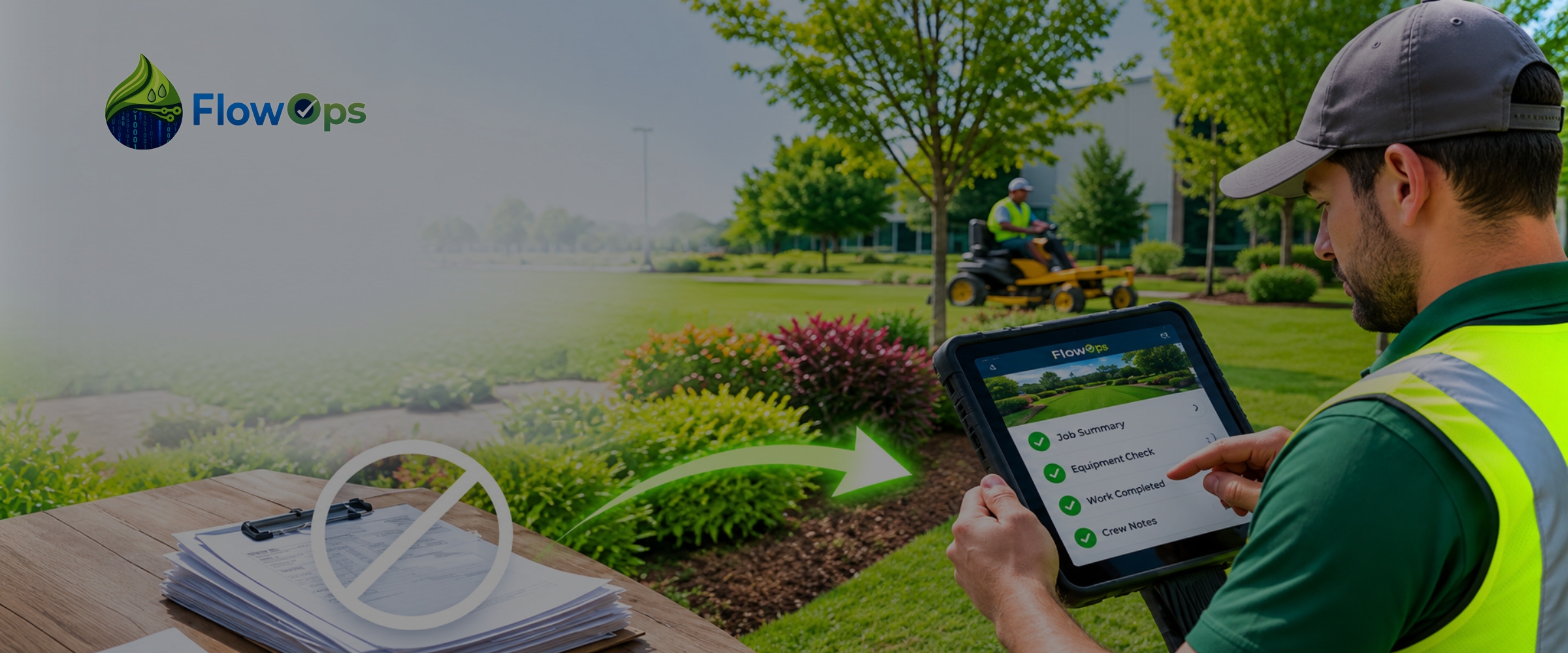
A crew finishes a long day of wet checks and still isn't done. There are forms to fill out from memory, photos to text to the supervisor, and a clipboard to drop at the office on the way home. The next morning someone in the office takes that clipboard and types it all into the system, squinting at handwriting and calling the tech when a line doesn't make sense. The visit happened once, but the paperwork gets handled three times, and every pass costs someone an hour nobody bills for.
That's the real paperwork problem in field operations, and it isn't the forms themselves. It's that the same information gets written down, carried in, and then re-entered, with a chance to lose or garble it at every step. A crew documentation app eliminates that cycle by capturing the work once, on the property, in a form the office can use directly. There's no clipboard to fill at the end of the day, no stack to carry in, and nothing for the office to retype. The paperwork doesn't get faster; it stops existing as a separate step.
Paperwork Is a Double Cost
It helps to see that paperwork is paid for twice. The crew pays first, in the time it takes to fill forms after the real work is done, usually under pressure at the end of a shift when the details are already fading. Then the office pays again, re-entering what the crew wrote into the systems that actually run the business. The same facts get keyed twice, by two people, and neither pass adds anything the crew didn't already know on the property.
That double handling is the cost worth cutting. A tech who spends an hour a day on paperwork is an hour short on billable work, and an office that spends its morning transcribing clipboards is doing work a clean capture would have made unnecessary. Eliminating paperwork isn't about a nicer form. It's about the information being captured once, by the person who was there, so no one has to write it up or type it in again.
Where the Paper Cycle Breaks Down
The paper cycle doesn't just cost time. It loses and distorts information at predictable points.
Forms get filled from memory, because a tech can't stop mid-repair to write, so the record reflects what they remember at 5 p.m. rather than what they saw at 10 a.m. Photos live on personal phones with no tie to the job, so the proof and the paperwork drift apart. Handwriting gets misread, so a quantity or a zone number changes in transcription. And paper gets lost, left in a truck or soaked on a dashboard, so the visit has no record at all. None of these are the crew's fault. They're what happens when documentation depends on paper that has to survive a workday and a commute before anyone can use it.
How a Crew Documentation App Removes the Paperwork
It removes the paperwork by moving capture to the moment and place the work happens. Instead of a form filled later, the tech records the visit in a structured form on a phone or tablet while standing in front of the work, with photos attached to the zone they show. The record is complete when the tech taps submit, and it reaches the office in the same instant, so there's no stack to bring in and nothing to transcribe.
Because the capture is structured, the record is usable the moment it lands, not raw material for more paperwork. The paperwork that used to move from clipboard to desk to keyboard now moves from the property to the office as one clean record, which is what eliminating paperwork actually means in practice.
What the Operation Gains
Cutting the paper cycle pays off on both ends of it. The crew gets its time back, because the visit is documented as the work is done rather than written up afterward, so there's no end-of-day form to sit through. The office stops transcribing, because the record arrives ready to use, which frees the morning that used to go to clipboards. Nothing gets lost, because the record is captured and sent in the moment rather than riding home at the end of a shift. And billing runs on schedule, because an invoice-ready record is there the day of the visit instead of a week later. It also keeps output consistent across crews, since every tech captures in the same structured form, so an operation running several crews gets one clean set of records rather than a pile of mismatched paper. That consistency is what lets the field service documentation software underneath carry the work cleanly into reporting and billing.
How FlowOps Helps
FlowOps is a crew documentation app built for landscape and irrigation crews. A tech documents each visit on the property in a structured form, with required fields and photos tied to the specific work and zone, so a wet check comes back complete whether the lead tech or a first-season hire ran it. There's no paper form to fill at the end of the day and nothing for the office to retype, because the record is captured right the first time, where the work happened.
Because the capture is structured at the source, the record does more than replace the clipboard. A flagged broken spray head in zone 4 moves into Bid Generation as a quote, completed work becomes invoice-ready field reports the office can bill from the same day, and through direct ERP integration FlowOps carries the record into the ERP the company already runs. With FlowOps, the paperwork stops being a step the crew and the office each pay for, and becomes a single record that drives the work forward.
Paperwork Ends When Capture Moves to the Source
None of this is a knock on the crews. They run the properties and document what they can under real time pressure. What's buried them in paperwork is that the record had to be written up after the work and re-entered at the office, so the same visit cost two people time and still risked getting lost.
When a crew documents the visit once, in a structured form on the property, the paperwork cycle ends: nothing to write up, nothing to carry in, nothing to retype, and a record the office can bill from the day the work was done. That's where FlowOps fits. To see how a crew documentation app eliminates paperwork for your field operations, request a demo.
Frequently Asked Questions
What is a crew documentation app?
A crew documentation app is a mobile tool a field crew uses to record a service visit on the property, the work performed, the conditions found, and photos, as a structured record tied to the specific job, property, and date. Instead of a paper form filled out later and re-entered at the office, it captures the visit once, in the moment, so the record reaches the office ready to use.
How does it eliminate paperwork?
By capturing the work where and when it happens, so there's no form to fill after the fact and nothing for the office to retype. The same information that used to be written on a clipboard, carried in, and keyed into the system is captured once on a device and sent in the same instant. The paperwork stops being a separate step rather than just moving to a screen.
Does it actually save the office time, or just the crew?
Both. The crew skips the end-of-day form, and the office skips transcribing it, because the record arrives structured and ready to use. The morning that used to go to typing up clipboards goes back to running the operation, and that saving grows with every crew, since each one's records come in the same usable shape.
What happens to information that used to live on paper?
It gets captured in structured fields and photos tied to the job, so it's complete and retrievable instead of sitting on paper that has to survive the day. Nothing depends on handwriting or on a form surviving the workday, which is where paper records tend to get lost or misread. The record is in the system the moment the tech submits it.
Does it connect to billing and the ERP?
Yes. Because the record is structured when it's captured, it can feed billing and move into the ERP the company already runs without anyone re-entering it. The visit becomes the start of the billing and reporting flow rather than a form someone transcribes later.